
Video Summarization
14 Best YouTube Video Summarizer Tools
Explore Otio's curated list of 14 Best YouTube Video Summarizer Tools. Get fast, accurate, timestamped summaries with notes that save time.

Long video tutorials can feel overwhelming when time is limited, and efficient video summarization transforms them into clear, concise snapshots with transcripts, timestamps, and key highlights. Readers may wonder which tool offers the best YouTube video summarization experience for quickly capturing essential points. This streamlined approach enables users to distill complex content into actionable insights without rewatching lengthy videos.
Innovative techniques turn detailed transcripts into crisp outlines and favorable summaries, saving valuable research time and effort. Simplifying the extraction of main ideas allows for more effective content engagement and faster decision-making. Otio’s AI research and writing partner AI research and writing partner converts video transcripts into ready-to-use drafts, helping users focus on applying insights rather than reprocessing video content.
Summary
Timestamped summaries turn 90-minute meetings into a few searchable, evidence-backed entries that surface decisions, owners, and action items, so teams spend minutes reviewing instead of hours rewatching.
Legal review and evidence triage become tractable when tools provide precise timestamps, speaker attribution, and exportable clips, a necessity given that over 500 hours of video are uploaded to YouTube every minute.
Mobile-first consumption matters: 70% of YouTube views come from mobile devices, so bite-sized clips, clear captions, and vertical-ready summaries significantly improve retention and enable content repurposing.
Summaries function as metadata on steroids, enabling discoverability and reuse across teams, which is critical when over 500 million hours of video are watched on YouTube every day.
Choose tools that prioritize accuracy, low latency, and context preservation, since 90% of users found summarizers with keyword extraction more effective for research and triage.
Otio's AI research and writing partner addresses this by converting video transcripts into crisp outlines, short summaries, and ready-to-use drafts, reducing rewatch time and accelerating draft creation.
Table of Contents
Why Summarize YouTube Videos
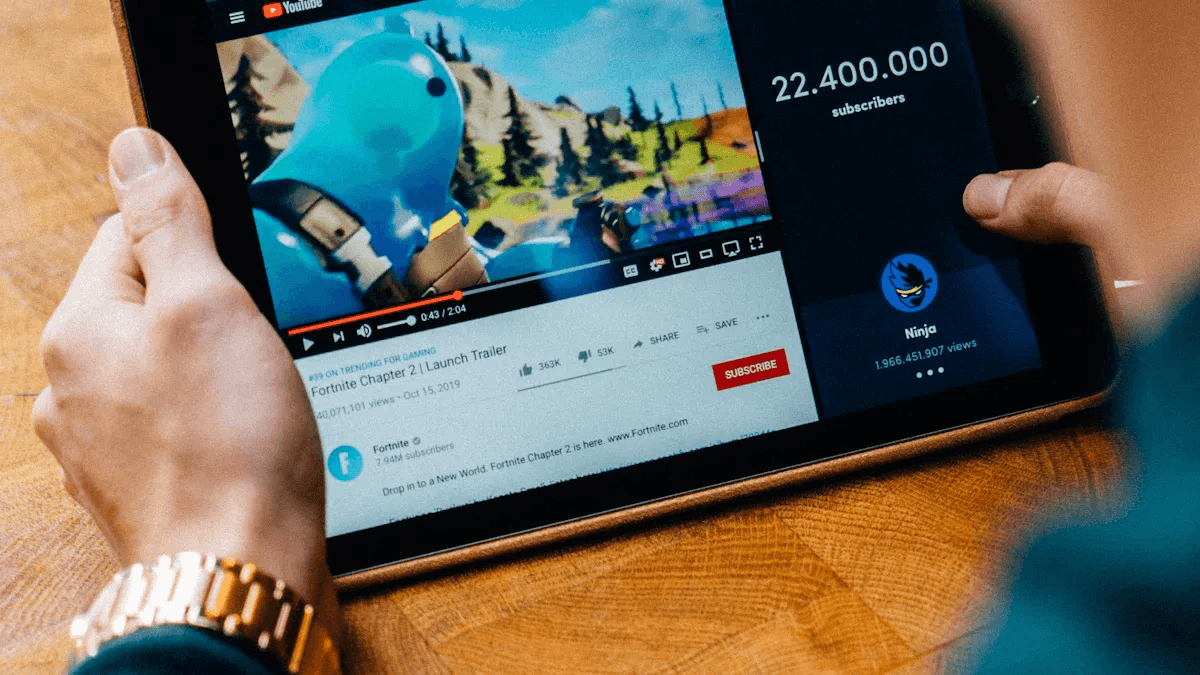
Summarizing YouTube videos is essential because it turns long videos into clear, timestamped actions. This process helps people find videos, saves time, and makes content easier to use on mobile social apps. By converting a 90-minute discussion into a few searchable, evidence-based notes, teams, learners, and legal reviewers can significantly improve their use of video. Our AI research and writing partner streamlines this entire process, making it even more efficient.
Why does meeting documentation matter?
Meeting documentation and remote collaboration. When teams have long remote meetings, the usual practice is to keep the complete recording and ask team members to watch it later. This works until some people have other meetings scheduled at the same time, causing essential decisions to get lost in the recording. Summaries shorten hour-long meetings into explicit, timestamped clips and searchable snippets. This allows participants to skip directly to the agreements, action items, and the one disputed line of reasoning that matters. Summaries also reduce the mental effort required to navigate silence, pauses, and off-topic discussions, making post-meeting follow-up measurable rather than unclear.
How it changes behavior and output. This method turns passive recordings into active knowledge resources. Searchable transcripts highlight decisions, short clips can be shared in Slack or email, and timestamps link decisions to their owners. The result is faster onboarding for new team members, fewer repeated status questions, and meetings where participants can engage actively rather than just take notes. Think of a summary as a table of contents plus selective highlights, not a word-for-word transcript.
Why are legal teams concerned about concise video extracts?
Legal deposition review and evidence triage. Legal workflows get bogged down when attorneys must review hours of testimony to find a single statement that contradicts another. Attorneys need quick access to essential exchanges, time-coded claims, and keyword searches that lead to specific moments in a deposition. Summaries help reduce review time by highlighting claims, witnesses’ hesitations, and decisive rebuttals, with timestamps and keyword markers for fast cross-referencing.
Practical features that boost efficiency include timestamp marking, speaker identification, and clip creation that preserves the chain of custody and evidentiary context. These tools shift the discovery process from full-time digging to a focused review. As a result, legal teams can use their time more effectively by moving from simply replaying videos to analyzing and strategizing. Most teams keep raw videos and hope they will be helpful later because this method doesn’t require any immediate changes and feels safe. But this safety comes at the cost of hours each week, as people watch the same parts repeatedly, repeatedly ask for context, and miss quick decisions. Platforms like otio expose hidden costs, replacing time-consuming scrubbing with short, timestamped summaries and searchable notes, which shorten review cycles while maintaining complete traceability.
How do learners and creators interact with long content?
Personal development and learning efficiency can be improved through educational channels and extended interviews. However, time pressure often shortens our attention spans, causing viewers to skim content. This is evident in lectures, podcasts, and how-to videos. Learners want structured insights that function like a research assistant, not just quick bullet lists that omit essential details. When lessons are condensed into short takeaways, quiz-style prompts, and question-ready excerpts, learners remember the material more quickly. This way also helps creators see which parts keep people interested.
Why mobile-first distribution changes the rules, according to Teleprompter.com (2025), 70% of YouTube views come from mobile devices, so summaries must be designed for short attention spans and vertical viewing. This means using short clips, precise timestamps, and easy-to-read captions while on the move. This approach makes it easier to repurpose content for Instagram Reels or TikTok, rather than treating it as an afterthought.
How do summaries help with knowledge management?
Knowledge management and content reuse are critical to effectiveness. When you have a library of long videos, finding what you need becomes the problem, not just storing them.
Summaries act like super metadata; they pull out main ideas, label them, and create easy-to-search snippets that team members can share and reference. This makes internal training easier, lets marketers convert extended interviews into short, actionable clips, and helps researchers share ideas across projects without rewatching everything. Companies gain several operational benefits from using summaries. They make it easier to reuse information, accelerate research by enabling insights to be searched, and improve consistency across teams by standardizing how key points are recorded. Summaries let you turn a single long piece of content into multiple high-value versions, increasing ROI for every hour of filming.
This is especially important given the scale of platforms, as noted by Teleprompter.com (2025), over 500 hours of video are uploaded to YouTube every minute. As a result, finding and curating content effectively has become essential for survival.
What is a practical analogy for summaries?
A good summary is like a microscope objective for your content. It brings the key details into sharp focus while keeping the rest visible without being distracting. This simple improvement might seem small at first. However, when you look at the hours saved and the search times reduced by half, it becomes clear how teams stop repeating information and start acting effectively. As a result, everything about the content strategy starts to look different. Yet, there is one surprisingly specific obstacle that trips teams up when they try to use this at a larger scale.
Related Reading
How to Summarize YouTube Videos in 6 Quick Steps

A clear, repeatable workflow makes video summarization fast and reliable. Start by splitting the video into valuable segments. Next, pull the crucial takeaways and use precise action verbs to describe what happens. Weave those points into a short story while precisely marking visual and audio signals. Finally, speed up the process with transcription and AI summarization. By following these steps, you can turn long recordings into short, timestamped insights that inform decisions rather than just noise. Consider utilizing our AI research and writing partner to enhance your summarization process.
How should you divide the video into manageable parts?
Start by mapping the footage into three to six logical sections: a hook or purpose, core arguments or demonstrations, and a wrap-up with calls to action or conclusions. Treat each section as a mini-asset by labeling it, noting its start and end timestamps, and assigning a short intent line, such as "Problem statement," "Key demo," or "Decision point." When structured summaries were created for enterprise training videos, this simple metadata significantly reduced search time. Viewers could jump to the correct intent rather than guessing where something belonged.
What belongs in the “must-keep” list?
Focus on claims, examples, decisions, and clear action items. Pull any numbers, specific methods, policy statements, and promises made by speakers. Flag anything that needs source verification. This is especially important for sensitive topics where misinformation can cause harm. The issue is common in health explainers, as shown by studies, and it appears across health explainers and advocacy talks. In these cases, sensational claims can distract from the evidence; prioritize sections supported by verifiable sources. Mark anything needing a citation or follow-up. Avoid including filler words, polite comments, and long stories in the main points unless they represent a key change.
How do you write the summary so it actually communicates?
Choose strong verbs and specific descriptors. Use words like "demonstrates," "contrasts," "tests," or "recommends," followed by a brief context. For example, say, "demonstrates collaborative brainstorming that increases idea output by three methods." Replace vague labels with specific actions, the people involved, and the results. Write each bullet point clearly so readers can follow the recommended steps or judge the claims without needing to rewatch the clip.
How do you turn bullets into a short story?
To turn bullets into a short story, start by linking the beginning, middle, and end with one sentence that shows the video’s main idea. After that, include three to five key bullet points in the order they happened. It's crucial to keep the speaker’s tone and level of formality so that the summary feels like an honest compression, not a rewrite. Finally, finish with a one-line 'so what' at the end of the story to make the conclusion clear. For example, "Takeaway prioritizes A over B when deadline compression exceeds two weeks."
What visual and audio details can’t be skipped?
Watch for charts, slide callouts, on-screen demos, and changes in speech tone. Technical issues are common; stuttering or missed frames can affect transcript accuracy. For example, a common problem occurs when system delays, caused by firmware putting components to sleep during interrupt handling, create audio glitches. These glitches can throw off the timing of the transcription and video, making clips appear misleading. To avoid this issue, verify smooth frames and correct speaker alignment before finalizing timestamps. It's also essential to take a screenshot or clip of any critical visual data so its numerical claims can be referenced separately.
How can tools accelerate work without sacrificing accuracy?
To speed up work without losing accuracy, use a two-stage automation approach. First, make a clean transcript; second, create an extractive summary that a person can then edit for accuracy and tone. Consider leveraging an AI research and writing partner to enhance this process.
Which transcription tools should you use?
Which transcription tools should you use? Choose tools that create searchable text, show who is speaking, and allow for easy editing. This is important because raw transcripts are the base for everything else. Select services that enable you to quickly correct timing and speaker labels so the summary remains accurate.
When should you lean on AI summarizers?
Consider using AI summarizers to highlight key points from transcripts. It is essential to check the items marked as claims or numbers. Automation saves time at scale, especially given the platform’s broad audience. For example, YouTube has over 2 billion logged-in monthly users, according to a 2025 report. Automation is necessary when handling large volumes of content. In addition, with over 500 million hours of video watched on YouTube every day, as reported in 2025, relying solely on manual review is not enough to deliver quick, helpful summaries. Our AI research and writing partner can facilitate this process, enhancing efficiency and clarity in your summaries.
What challenges does manual review present?
Most teams review by storing complete recordings and asking coworkers to watch them because it does not require any new workflow. However, as projects grow, this familiar approach divides attention and hides decisions within hours of footage. As a result, a quick follow-up becomes a scavenger hunt. Platforms like Otio provide timestamped, accuracy-first summaries and verified clips. This helps teams go from hours of replay to just minutes of review while maintaining an audit trail for claims and citations.
What is the editing checklist to finish each summary?
Confirm that timestamps match the frame timecode.
Attach the original slide image or clip for any numeric claim.
Add the speaker's name for every quoted line.
Mark claims that haven’t been verified for follow-up.
Assign action items to owners, set due dates, and provide context.
What is the essence of a good summary?
A good summary is like a surgical scalpel. It skillfully removes ambiguity while retaining the exact information needed for future analysis.
What is the critical choice in summarization?
This method works until you face the one choice that really changes both speed and trust.
14 Best YouTube Video Summarizer Tools
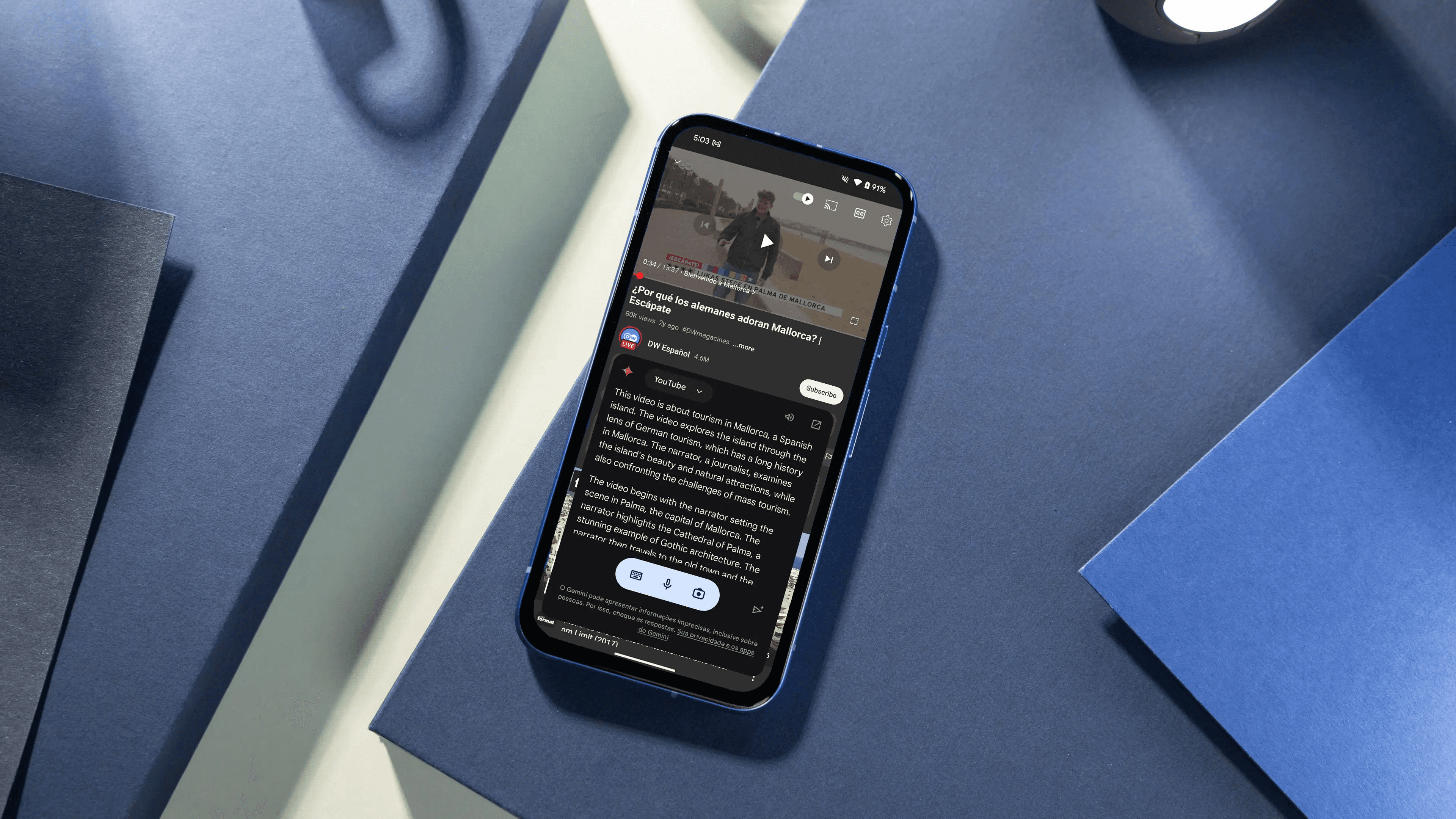
These are the top tools recommended for summarizing long videos, each with a summary and a rating of its strengths and limitations. This information will help you pick the right one for research, meetings, or repurposing content. For a seamless experience, consider partnering with our AI research and writing partner to streamline your content creation.
1. Otio
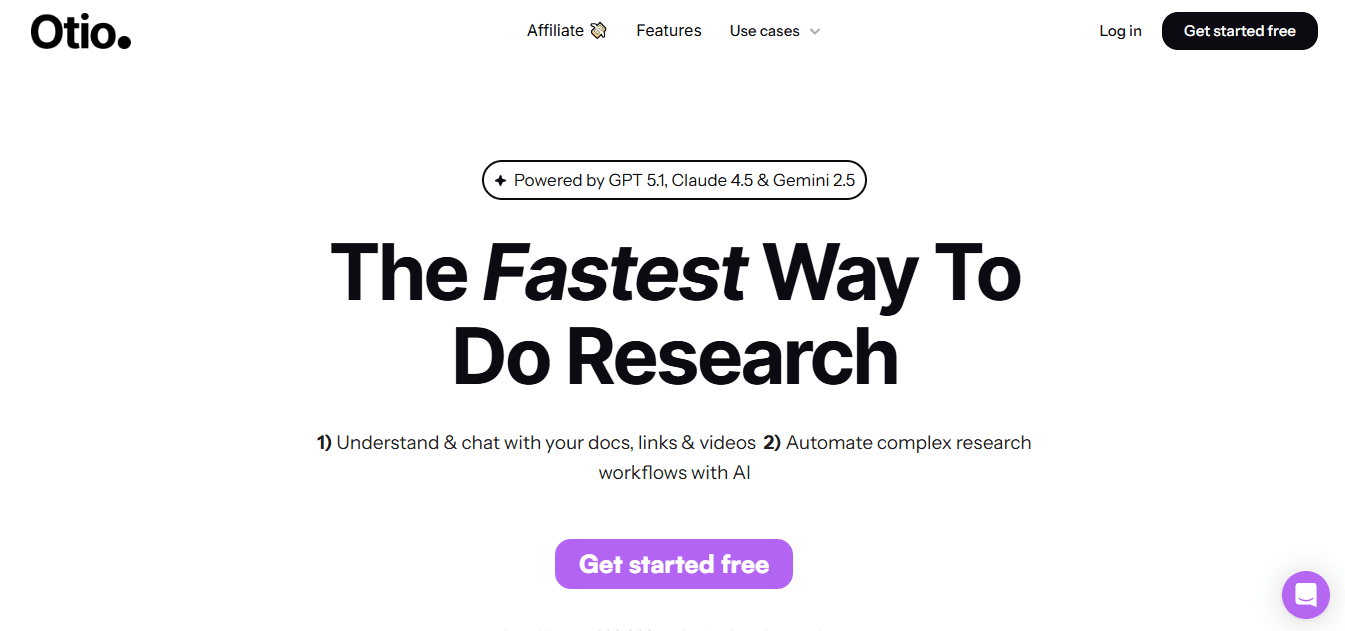
Otio is a focused workspace for turning YouTube and uploaded videos into brief, timestamped insights, searchable notes, and exportable drafts. It organizes saved videos, creates structured summaries and key takeaways, and lets you ask questions about the content in a conversational way, so you can find the exact clip or quote without rewatching.
2. Notta
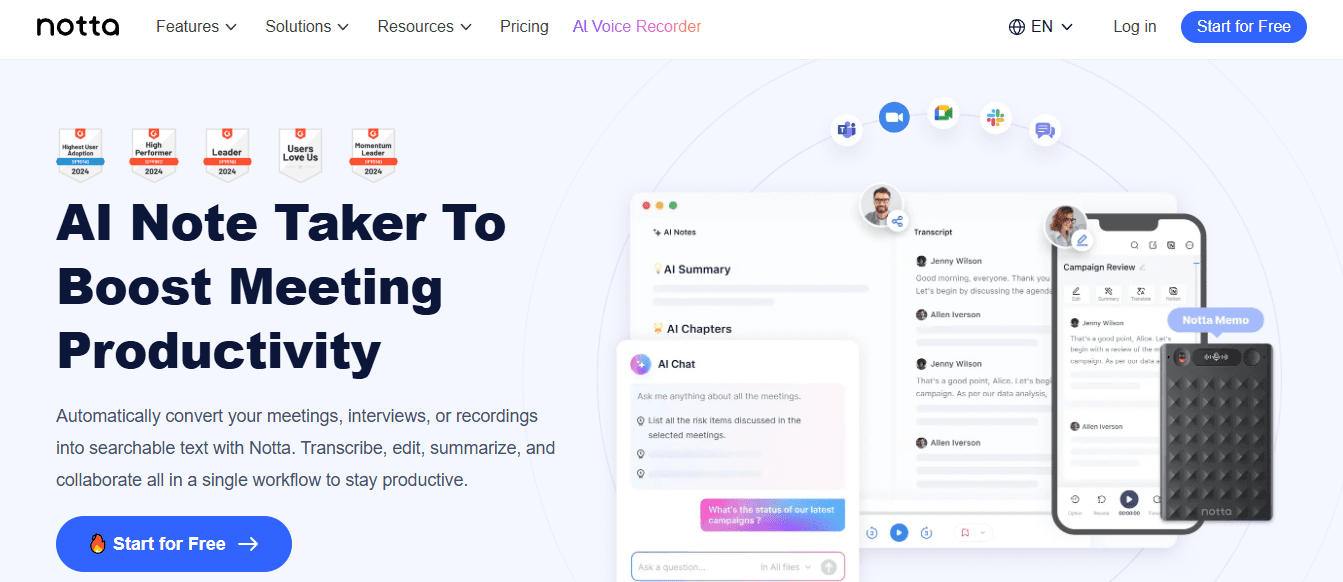
Strong transcription accuracy and neat summary output
Effective for long meetings and multi‑speaker sessions.
Requires account sign-in and has many key functions behind paywalls.
Less suited for visual-heavy content that needs scene detection.
3. X Grok AI
Grok is a helpful chat assistant within the X platform that quickly summarizes and explains posts and shared media. It gives clever, real-time responses. While not intended for cross-platform video libraries, it helps users extract key points from social workflows.
Fast access inside X, free on many platforms; a conversational tone that brings out key facts quickly.
Limited to the X environment, it is not a standalone video library tool.
Safety and moderation concerns can affect some image and content outputs.
4. Monica
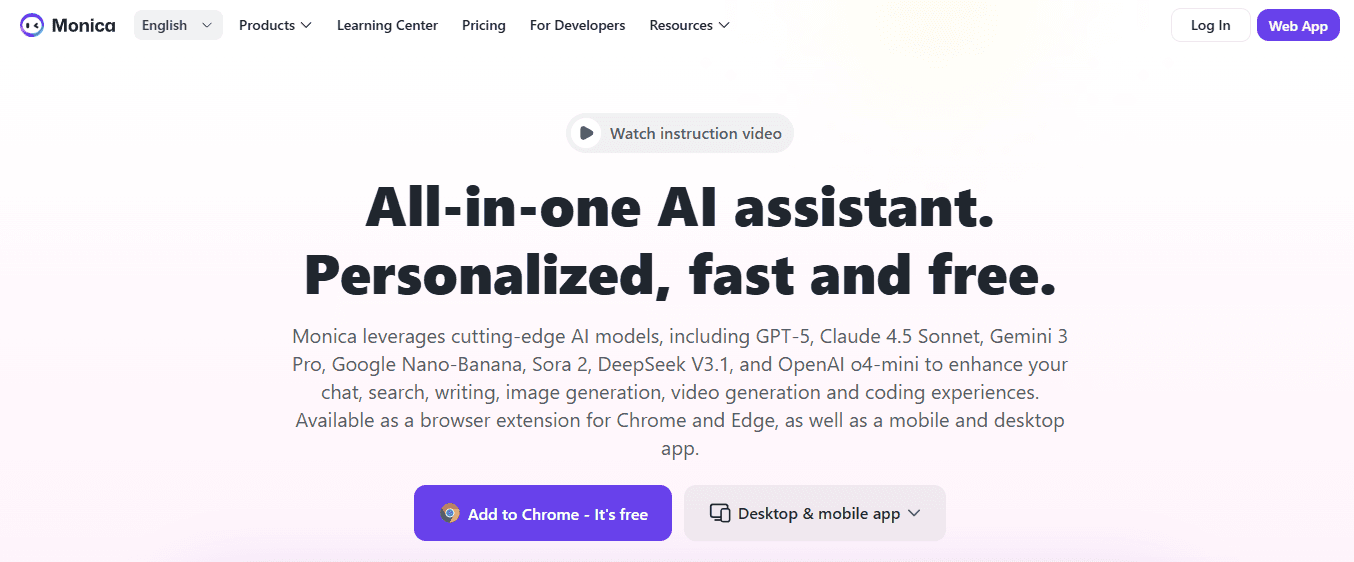
Monica is a Chrome-focused assistant that adds a one-click summary panel to web pages and YouTube videos. It uses modern LLMs to generate highlights and follow-up rewrites, making it useful for quick scans while browsing.
Easy to use with a browser extension, allowing rapid summary generation.
Includes a writing assistant that helps improve points.
Currently available only for Chrome and with a limited free trial duration.
Access to the complete feature set requires a subscription.
5. Otter.ai
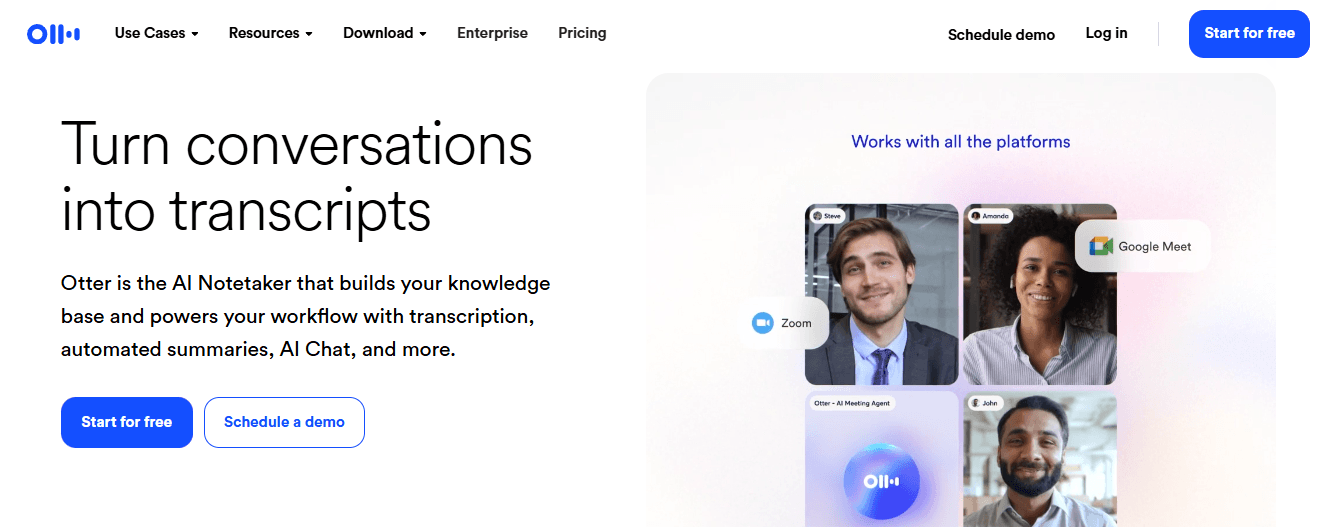
Strong live-transcription and multi-language support
Action-item detection and speaker attribution
Free tier limits monthly minutes
Pre-recorded videos require workarounds, such as side-by-side recording for ingestion.
6. Knowt

Knowt is education-first. It converts lectures into transcripts and summaries, and automatically generates flashcards to support study. It focuses on learning workflows rather than on business teamwork.
Auto-flashcard generation and a simple, student-oriented UI.
Effective for classroom and revision workflows.
Fewer customization options for business needs
Limited integrations for enterprise pipelines.
7. Summarize.tech
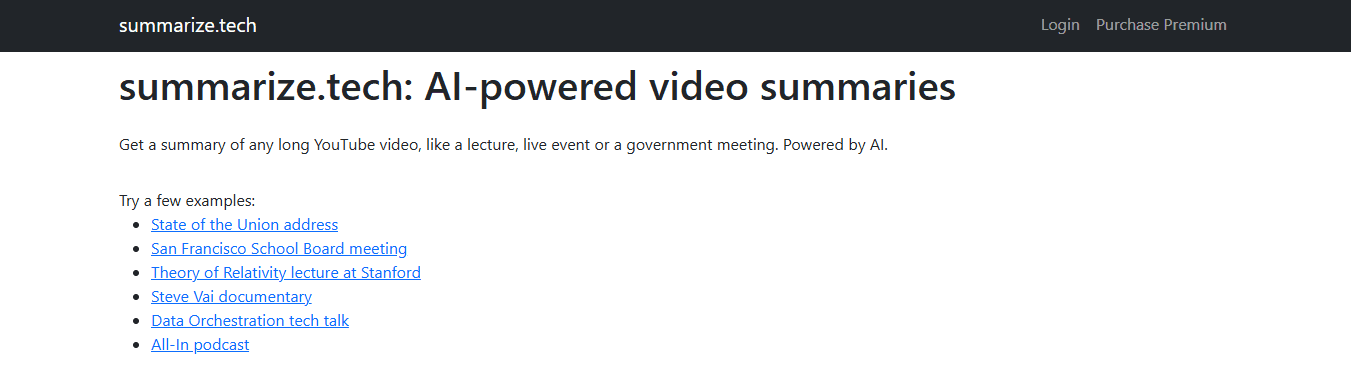
Summarize.tech provides a no-friction service: users can paste a YouTube URL and receive a speed-optimized summary in under a minute, with options for either brief or detailed outputs. It acts as a grab-and-go solution for single videos.
No login required for basic use; the service is speedy.
Adjustable summary length to match the user's need for depth.
Primarily supports English content and is weaker with visual-only material.
Accuracy decreases when transcripts are missing or contain noise.
8. ScreenApp
Multi-platform ingestion and one-click export to Slack or PDF.
Timestamped highlights let you jump to exact moments.
Accuracy declines in heavy background noise or with accents.
The desktop app is unavailable, and some features require payment.
9. Jasper AI
Supports multiple languages and maintains the brand tone defined in the style guides.
Includes built-in editing checks and a range of content marketing features.
May need some manual cleanup to prevent repetitive phrasing.
The cost may be too high for small teams focused solely on summarization.
10. NoteGPT
NoteGPT merges summarization with study tools. It produces transcripts, mind maps, flashcards, and an AI chat interface for follow-up questions, making it useful for learners and researchers. This functionality enables users to convert video highlights into visual mind maps and spaced-repetition cards. This helps to ensure a central organization through tagging and export options. Visual mind maps enhance comprehension and retention. Central organization simplifies content management. However, there are some drawbacks. Free access is limited, and it lacks live meeting transcription capabilities. Additionally, the enterprise compliance and collaboration features are basic, which may not meet the needs of all organizations.
11. Wordtune
Wordtune Read makes long video transcripts easier to understand by turning them into short summaries and highlighting important timestamps. These results are saved to a personal library via a Chrome extension that prioritizes clarity and editability.
Intuitive rewriting with a library of saved summaries.
Grammar and clarity tools built in.
Free users are limited to a few summaries per day.
It is best for text-heavy inputs rather than visual analysis.
12. Eightify
Eightify is a lightweight browser extension and mobile app that creates instant GPT-powered summaries of YouTube videos. It offers multiple summary formats and timestamp links for quick navigation.
Fast, YouTube-integrated summaries with multi-language support.
Flexible output lengths and formats.
Only supports YouTube URLs; not local files.
May miss nuance in dense technical material.
13. Mindgrasp
Mindgrasp is for learners who want to take quick notes, take auto-quiz assessments, and use a Q&A interface to interactively check video content. It supports multiple media types and produces outputs ready for analysis.
It can create auto quizzes and supports multiple languages. It's useful for in-class study and quick reviews.
Some features are available only on paid plans, and it may take time to learn how to use them. The options for collaboration and control for businesses are limited.
14. MyMap AI Video Summarizer
MyMap produces both text summaries and interactive mind maps linked to timestamps. It detects slide changes and speaker turns, which helps users navigate ideas both visually and textually.
Visual maps reveal structure and allow users to click into specific moments.
Editable insights and basic collaboration features enhance usability.
The free tier restricts daily summaries and map exports.
Access to advanced AI modes and API functionality requires higher plans.
Why does this set of tools matter?
This large user base makes manual review difficult. At the same time, the amount of attention means that over 500 million hours of video are watched on YouTube every day, as reported. This makes summarization necessary, not optional.
What challenges do teams face currently?
Most teams keep recordings and ask members to skim them, which is an easy solution. This method works at first, but as the number of meetings and videos grows, essential decisions and key quotes can get lost. As a result, the time spent reviewing can become excessive. Platforms like Otio help by giving YouTube-native, accuracy-first summaries with timestamps and searchable notes. As a result, teams can significantly reduce replay time while maintaining traceability and context.
How should users choose among tools?
Choosing among these tools can depend on specific needs. For speed and zero setup, consider paste-and-go services like Summarize.tech or Eightify. If study aids and retention are priorities, NoteGPT or Mindgrasp are strong options because they offer flashcards and quizzes. For those who need brand-consistent outputs and multilingual support, Jasper or Wordtune may be better choices. When accuracy and timestamped audit trails are essential for centralized team workflows, Otio or ScreenApp is a stronger choice. It is necessary to choose based on the constraint that will disrupt your workflow as you scale, not just on features that look nice on their own.
What is the key takeaway for tool selection?
This pattern appears in both academic courses and product teams: manual timestamping consumes hours each week. The problem is always about scaling up, not about what you can do. With this in mind, the best tool is one that maintains accuracy while enabling action, not merely serving as an archive.
What trade-offs should teams consider?
That selection narrows quickly once teams match their needs to constraints. However, this choice often hides a costly trade-off that many teams overlook.
How to Choose the Best YouTube Video Summarizer

Choose a tool that values accuracy and low latency. It should be able to read multiple source types, highlight essential ideas, and deliver actionable results. The best choice focuses on truthful compression rather than flashy brevity, delivers results quickly, and integrates smoothly with your workflow without requiring additional manual steps. If you need help, consider what an AI research and writing partner can do for you.
What should you prioritize for accuracy?
\Accuracy A summary must show the speaker’s claims and evidence, not just link common words together. Look for both extractive and abstractive options that flag unclear claims, allow users to verify numbers, and provide exact timestamps for each statement. Check whether the tool displays confidence scores or will enable users to retrieve the original clip for confirmation, because tools that hide uncertainty create more work than they save. The pattern is evident in technical content and product demos: when a summarizer omits context, teams spend extra time fact-checking, which erodes trust and slows decision-making. As an AI research and writing partner, we enhance accuracy and efficiency in information processing.
How important is time efficiency?
Time efficiency is critical in any workflow. Speed is more important than being new and different, so it’s better to use tools that give useful summaries in just seconds or a few minutes. Also, tools that can handle multiple videos simultaneously can significantly boost productivity. If a platform requires manual transcription or takes a long time to process in the background, those delays will slow you down. For quick workflows, choose a solution that supports parallel processing and reduces manual review. This way, you can spend minutes validating instead of hours rewatching.
What formats should the summarizer support?
Multi-format support. Choose a summarizer that does more than just handle YouTube links. It should accept webinars, MP4 uploads, screen recordings, and cloud-hosted meeting files while maintaining consistent timestamps and speaker labels across formats. The most common problem is a tool that works well for captioned YouTube videos but not for raw webinar audio. This forces teams to use two tools and piece together the results. To streamline your process, consider our AI research and writing partner, designed to handle heterogeneous inputs and help eliminate this issue.
How should key ideas be highlighted?
Highlighting key ideas means focusing on systems that find essential points, not just chapter markers. The best tools create short, prioritized bullet points, pull explicit claims and results, and surface keywords so you can quickly review topics. Many users assume keyword extraction is an easy way to identify relevance, so it's essential to choose a tool with this feature built in. This feature really helps people find information better, as shown by the Xmind Blog, "90% of users found summarizers with keyword extraction more effective." (Xmind Blog, 2025). This is why keyword-first outputs often become the primary way to initiate research and organize information.
Why is context awareness crucial?
Context awareness is critical to effective communication. Systems should track speaker turns, tonal shifts, and logical transitions. Summaries that ignore these cues can misrepresent the speaker's intent. This problem is evident in lectures and panel discussions, where arguments build on one another. Tools that reduce those transitions to flat bullets remove the storytelling aspect. This often means users need to rewatch the content to understand it fully. It is helpful to choose platforms that track who is speaking and provide notes when the model is unsure. This helps users find parts that need verification.
What are actionable outputs?
6) Actionable outputs: Choose a tool that provides deliverables you actually use: timestamped bullets, short transcripts, clip exports, CSV tags, or visual maps. Users increasingly expect customizable outputs, so they favor tools that let them adjust length, tone, and format before export, saving time on rewrites. According to the Xmind Blog, "Over 70% of users prefer AI summarizers that offer customizable summaries." (Xmind Blog, 2025). Customization is essential for busy professionals who repurpose content. Think of the correct output as a sharpened index card, not an open notebook; it must enable immediate action.
How should pricing be approached?
Pricing should reflect the cost-to-value ratio, not just the main features. For example, if a plan charges by the minute but still requires significant manual cleanup, the real cost is the hours of work, not just dollars per clip. It's essential to look for clear limits on monthly minutes, export limits, and team seats. Calculate the total cost for each usable summary after editing. When creating a budget, consider how many summaries will be reviewed versus how many will be used without changes. This way, you can choose a level that reduces manual review while still delivering the results you want.
What are the consequences of the status quo?
Many teams rely on ad hoc workflows because they are familiar and require no setup. This approach may work at first, but as content volume grows, decisions take longer, and verification tasks accumulate. Teams find that platforms explicitly designed for YouTube-native, timestamped summaries centralize these tasks. This centralization significantly reduces replay time and maintains a clear record of claims and clips. It reduces review times from days to hours while ensuring everything is traceable.
What tradeoffs should you consider?
If speed is critical and you are processing many short clips, prioritize low-latency batch processing, even if it requires a quick human review step.
For technical content or content with a precise flow, prioritize context features such as speaker attribution and transition markers over complex export templates.
What analogy helps in deciding?
A quick analogy to think about: treat a summarizer like a search engine for your video library, not a shorthand writer. One gives you a map to the truth, while the other rewrites information in unclear writing. So, choose the map.
Why is the gap between results and demos important?
The gap between usable results and flashy demos is more dangerous than one might think. Understanding this distinction is essential to evaluating technology effectively.
Related Reading
Best YouTube Summarizer
Supercharge Your Video Summarization Ability With Otio. Try Otio for Free Today
Stop wasting hours on long videos. Otio turns YouTube lectures, webinars, and interviews into accurate, timestamped summaries, searchable notes, and AI-assisted drafts. This lets you act on insights within minutes rather than hours. Most teams keep raw recordings because it seems easier, but this hidden cost shows up as repeated scrubbing and delayed decisions. That's why trying Otio is a good idea; it's an accuracy-first, YouTube-native workspace and the best tool for summarizing YouTube videos. Otio gathers clips, flags uncertain claims, and exports actionable takeaways for immediate use.



